
Adobe Showcases Brush/Gesture AI Editing at MAX Sneaks
Adobe's MAX Sneaks revealed 10 research projects moving AI editing beyond text prompts towards intuitive brush and gesture controls. Two projects are now in Adobe...
The Cliff News | 12 November 2026
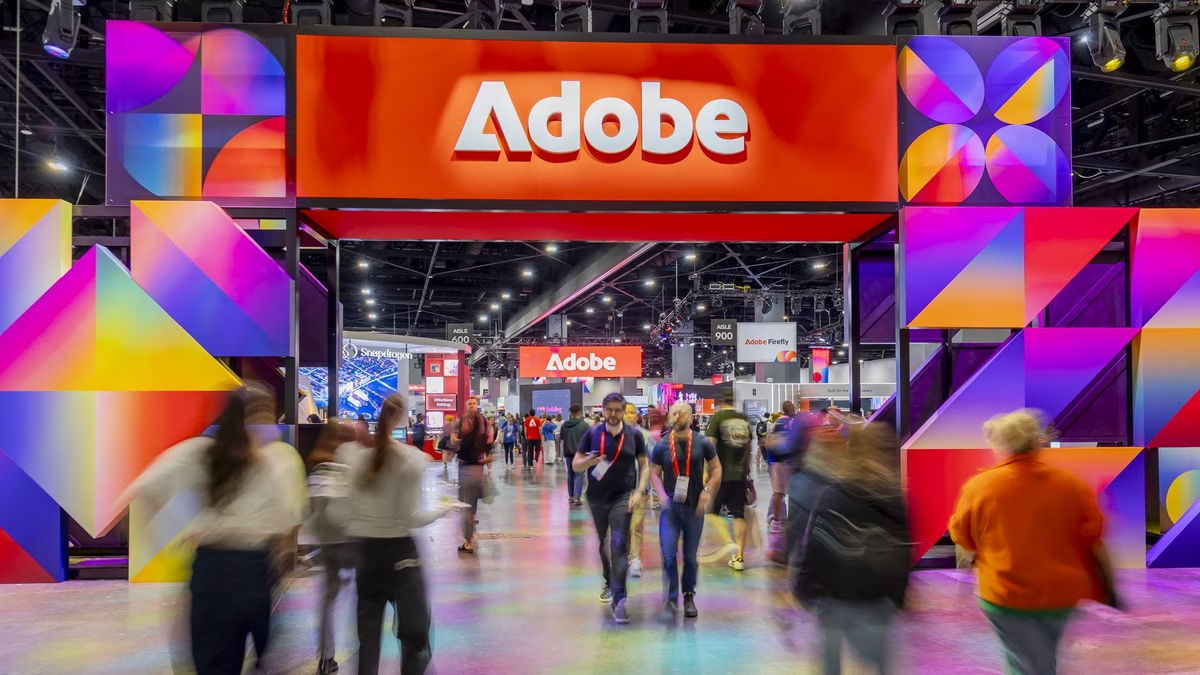
Adobe has unveiled ten innovative research projects at its annual MAX Sneaks session, held this year in Miami Beach. The showcased projects signal a significant shift in generative AI for creators, moving away from typed prompts towards more intuitive, direct editing methods such as brushes, drags, and gestures.
The session, hosted by actor Terry Crews, highlighted a range of advancements across video, audio, imaging, and design. These "Sneaks" are experimental previews of Adobe's future tools, with the company emphasizing that their work at Sneaks informs the development of their next-generation creative products, though no specific release dates have been announced.
Beyond the Text Prompt
Adobe's research arm, Adobe Labs, has published a piece titled Beyond the prompt, co-authored by researchers Victoria Hollis and Kimberly Welchons, to explain the rationale behind this new direction. They argue that while chat is a common interface for generative AI, it proves insufficient for the precision required in visual work.
This research is supported by eight studies involving 82 creative professionals, conducted between 2024 and 2026. The researchers found that creatives often discover their artistic intent through the act of making, rather than pre-defining it through initial descriptions. The authors acknowledge that the study sample leans towards visual disciplines and may not represent all creative workers.
Directing Video with New Tools
Four of the revealed projects focus on video editing. Project Scene Sweep aims to apply a single edit consistently across an entire multi-shot sequence, ensuring the change remains intact through cuts and varying camera angles. Adobe states this was achieved by training a custom editing model specifically for multi-shot video.
Another video project, Project Live Set, allows creators to modify subjects, settings, or camera perspectives in real-time while the video is playing. Project On Cue offers granular control over the timing of events within generated clips, such as a flash of light. Creators can define this timing by drawing it directly, or by extracting it from existing video footage or audio tracks.
Project Screen Test focuses on character creation, enabling users to build a fictional character's appearance, voice, and personality. The creator can then engage in dialogue with this character to test its potential reactions in various scenarios, offering a new way to explore narrative possibilities.
Audio Manipulation Innovations
The sole audio project presented is Project Sound Bender. This tool allows users to isolate a specific sound from a completed audio mix by simply describing it. Once extracted, variations of the sound appear on an interactive canvas, where creators can shape it live or synchronize it with visual motion from a video.
Intuitive Image and Design Editing
Image and design projects dominate the demonstrations, leaning heavily on direct manipulation. Project Deep Brush dissects a photograph into distinct layers for shape, color, and lighting. This allows users to apply brushstrokes that precisely follow surface contours, or to paint new light into a scene while preserving its natural shadows.
Project Hands On analyzes an image and automatically generates on-canvas controls, such as control points for intricate details like a mug's handle. This enables creators to reshape these elements through simple dragging motions, eliminating the need to re-enter descriptive prompts. Adobe notes that this project evolved from the Edit object tool in Firefly, initially hindered by slow AI model performance.
Project Rinse Repeat facilitates the copying and adaptation of edits from one part of an image to another. Crucially, these edits are rebuilt using native Photoshop tools, ensuring they remain fully editable. Project Link Up transforms a drag-and-drop action into an instruction, for example, dropping a car into an illustrated parking space causes it to automatically adjust perspective, scale, and style while maintaining editable vector artwork.
Finally, Project Sight Span empowers creators to transform a single image into an immersive space from which they can frame new shots, offering a novel approach to virtual cinematography.
Accessible Previews Available
Adobe has launched the Adobe Labs Playground concurrently with the MAX Sneaks reveal, providing early access to some of these experimental features. Currently, users can try out Deep Brush and Hands On, alongside Project Custom Filters, which converts text descriptions into live Photoshop filters with adjustable sliders. Adobe also announced that a conversational character tool and a describe-to-extract sound tool are slated for future release on the platform.
The company is actively soliciting feedback from users at labs@adobe.com, indicating a collaborative approach to product development. These previews follow Adobe's recent MAX releases, which included a Firefly agent for task planning, a new Relight tool in Photoshop, and support for third-party AI agents. Adobe's expansion into film is also being bolstered through its partnership with Disney.
Regarding Hands On, Adobe views it as a potential stepping stone from text-based editing to more graphical user interfaces and is keen to gather insights on user interaction.